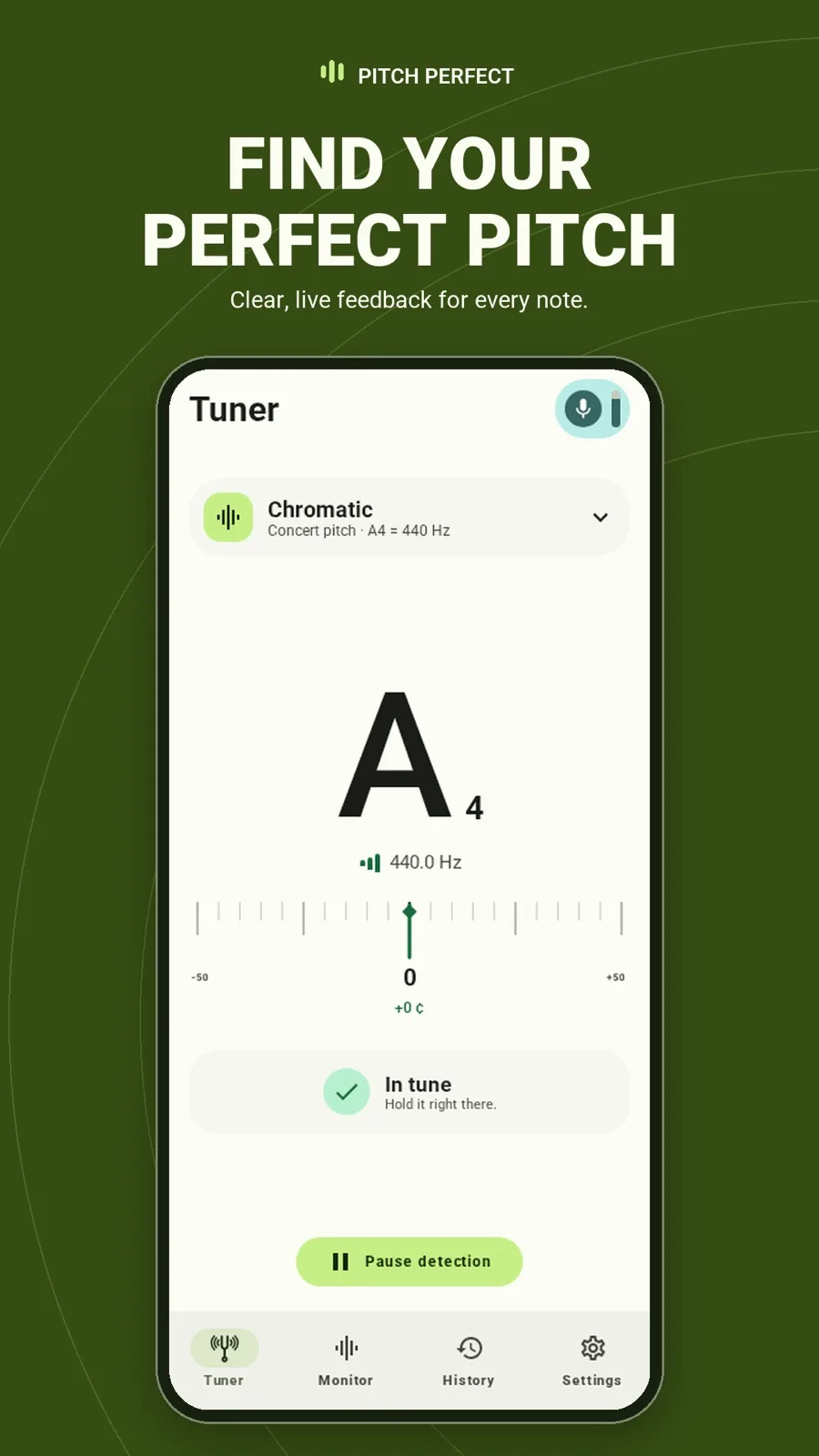

Pitch Perfect: Tuner
A clear way to find your pitch.
Open Google PlayiOS coming soon


Find your rhythm. Make time to practice.
Keep a steady beat, work through passages in your own music, and build a focused practice routine.
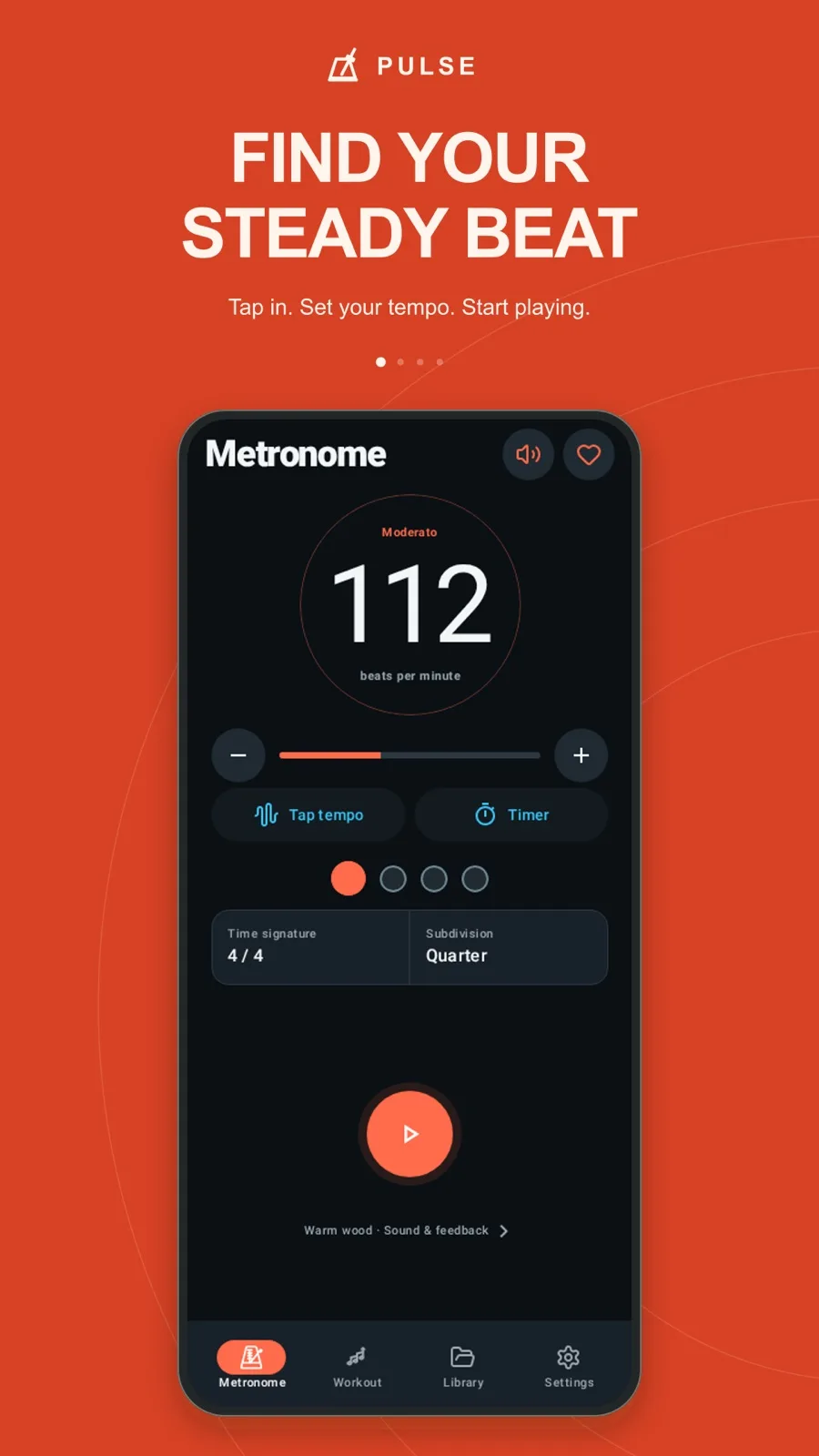
Set the tempo directly or tap to find your beat, then choose a time signature, subdivision, and accents. Save metronome presets for familiar exercises and use a practice timer to give each part of your session its own space.
Import a supported audio file from your device and mark a loop in the waveform editor. Adjust playback speed and pitch, add metronome clicks or a count-in, and return to saved loop regions for your next practice session.
Arrange named exercises with durations, repetitions, and tempo settings. An exercise can use a metronome, a song, a saved loop, or silence. Follow the current round and finish with a session summary; imported audio requires continued access to the original media.