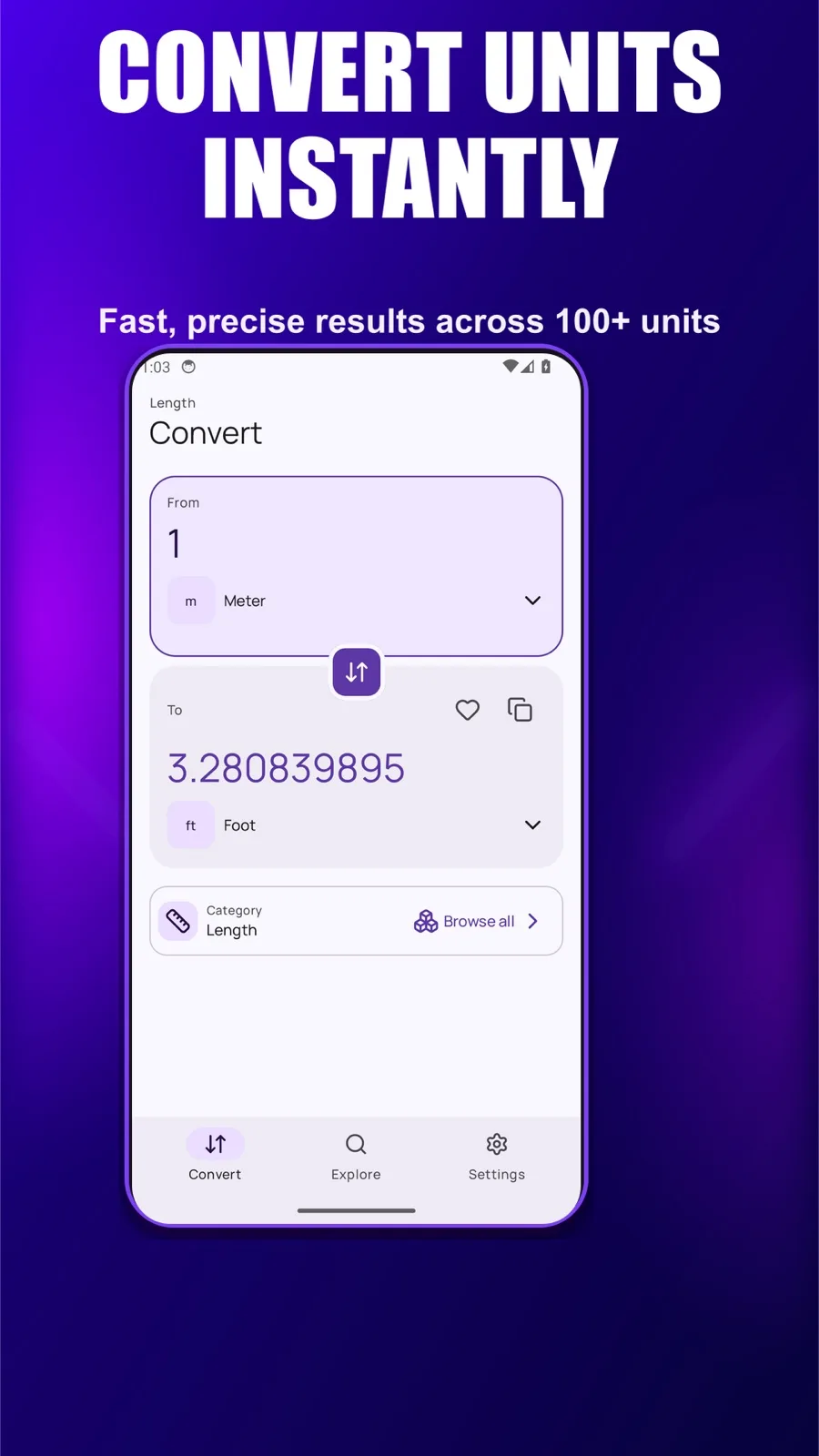
MeasureShift
Everyday conversions. Clear at a glance.
Open Google PlayiOS coming soon


A new home for your printed memories.
Capture printed photos, refine their edges and colors, and keep the moments that matter in your digital collection.
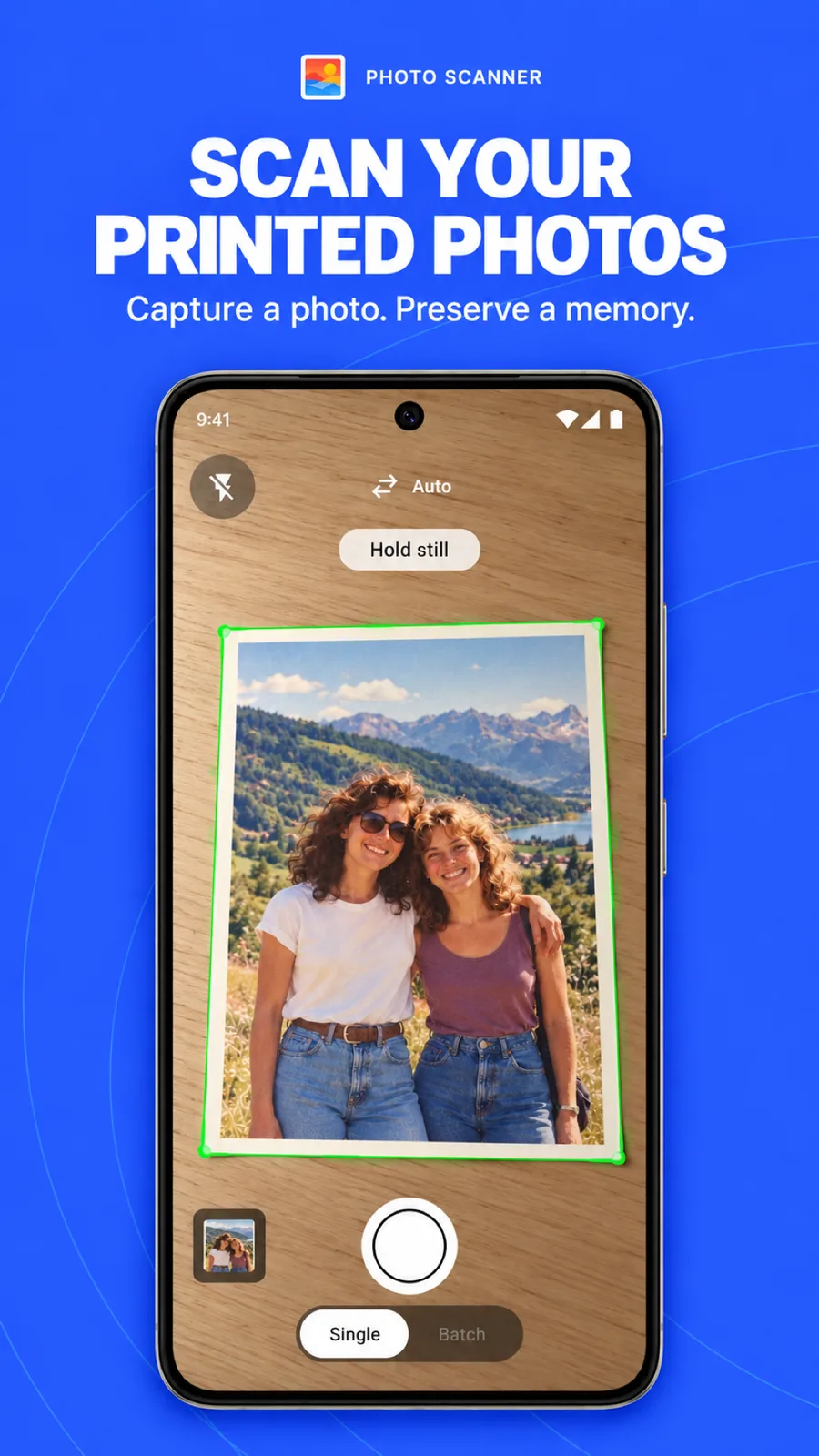
Use the camera framing guides to line up a printed photo, then review its corners before saving. Scan a single memory or collect several photos in Batch mode and review the results together.
Adjust corners, crop, and rotate to refine the framing. Try Original, Vivid, Warm, or Mono presets, then adjust brightness, contrast, saturation, and hue. Review your edits before saving the finished photo.
Browse saved scans in the app gallery, save copies to your device photo library, and share selected photos through other apps. Photo processing happens on your device; the initial scanner-file download and advertising require an internet connection.